
personalized digital lockdown guidance
Protect Your Accounts, Identity, and Family Before Something Happens
Join this practical webinar and learn the first steps to secure passwords, turn on MFA, reduce breach exposure, avoid scams, and create a simple digital protection plan for your household.
The Problem
Many people have antivirus software, credit monitoring, password apps, or identity theft alerts, but they still do not know if their most important accounts are actually protected.
A security tool can send an alert, but it does not always tell you what to fix first, which accounts matter most, or how to build a practical protection plan for your household.
This webinar is designed to help you understand the biggest digital security gaps and give you a simple starting point.
The Solution
Most people do not need more random security tips. They need a clear plan that explains what matters most, what to fix first, and how to protect their accounts, identity, devices, and family without getting overwhelmed.
This webinar gives you a practical digital protection roadmap.
You will learn how to identify your most important accounts, reduce password risk, turn on stronger account protection, understand breach exposure, recognize common scams, and create simple household rules that help prevent digital mistakes before they become bigger problems.
The goal is not to make you a cybersecurity expert. The goal is to help you take smart, practical steps that make your digital life safer and easier to manage.
Who Is This For?
You reuse passwords or are not sure which passwords are weak
You know you should use multi-factor authentication but have not set it up everywhere
You are worried about identity theft, scams, or account takeovers
You have received breach alerts but do not know what to do next
You want to better protect your family online
You are concerned about teen social media safety or online risks
You want plain-language guidance without becoming a cybersecurity expert
You want a practical checklist instead of random advice
What You Will Learn
Password Security
Learn why reused passwords are dangerous, which accounts matter most, and how to start using a safer password strategy.
Multi-Factor Authentication
Understand what MFA is, where to turn it on first, and why email, banking, Apple, Google, and phone carrier accounts should be top priority.
Account Recovery
Learn why recovery emails, phone numbers, backup codes, and old devices can become major security risks.
Breach and Dark Web Exposure
Understand what breach exposure means, what to do if your information appears in a breach, and why monitoring is only the first step.
Scam Readiness
Learn common scam patterns, red flags, and simple family communication rules that help prevent panic-based mistakes.
Family Digital Safety
Review practical steps for protecting children, teens, parents, and households without turning everything into a technical lecture.
Your Registration Includes
Live digital protection webinar
Plain-language security training
Digital Protection Starter Checklist
Practical password, MFA, breach, scam, and family safety guidance
Practical examples and real-world scenarios
Digital Protection Starter Checklist
Optional Q&A if time allows
$49 credit toward the Digital Security Snapshot if booked within 7 days
Replay access is available for 7 days after the webinar.
Bonus: First Month Free in the Digital Protection Community
Your webinar registration includes your first month of access to the private Digital Protection Community optional through a separate subscription checkout. After the first month, continued access is $29/month unless canceled before the next billing date.
Next live webinar date will be announced soon. Register now to reserve your spot and receive event details by email.
Date: TBD
Time: TBD
Length: 60 Minutes
Location: ONLINE
This webinar requires a minimum of 5 registered participants in order to be held as scheduled.
The 7 Day Digital Protection Starter Plan
You'll Leave With a Simple 7 Day Action Plan
Day 1: Identify your top 10 critical accounts
Day 2: Review weak and reused passwords
Day 3: Turn on MFA for email accounts
Day 4: Turn on MFA for banking, Apple, Google, and phone carrier accounts
Day 5: Review account recovery settings
Day 6: Check breach exposure
Day 7: Create basic scam and family safety rules
Digital Protection Is No Longer Optional
Your email, phone number, bank accounts, cloud accounts, social media, and identity are all connected. If one weak account gets compromised, it can create a chain reaction across your digital life.
This webinar helps you understand where the biggest risks usually are and how to start closing those gaps.
The goal is not fear. The goal is clarity, preparation, and practical action.
WE'RE HERE TO HELP
Private Digital Protection Community
Your webinar registration includes your first month free in the Digital Protection Community. After that, continued community access is optional at $29/month through a separate subscription checkout.
Members receive ongoing access to security education, group support, monthly live calls, advance question submission, community Q&A, replays, and practical guidance from Mr. P1nk's team.
Community access includes Monthly Group Call, General Guidance, Education, Group Support, and Q&A.
Monthly 45-minute community call
Submit questions in advance
Community Q&A access
Team responses as quickly as possible
Call replays
Monthly security reminders
Breach and scam awareness updates
Is this community included with my service?
Yes. All new customers receive their first month free. After that, continued community access is optional at $29/month through a separate subscription checkout, unless it is included with another active plan.
Can I ask personal security questions in the community?
Yes, general questions are encouraged. For private account-specific help or one-on-one setup, an additional paid session or setup package may be recommended.
What happens on the monthly community call?
Each month includes security education, current scam or breach awareness, member-submitted questions, and practical steps families can take to stay protected.
Do I have to attend live?
No. Calls can be recorded and made available for members who cannot attend live. Members can also submit questions in advance.
MEET THE FOUNDER & CEO
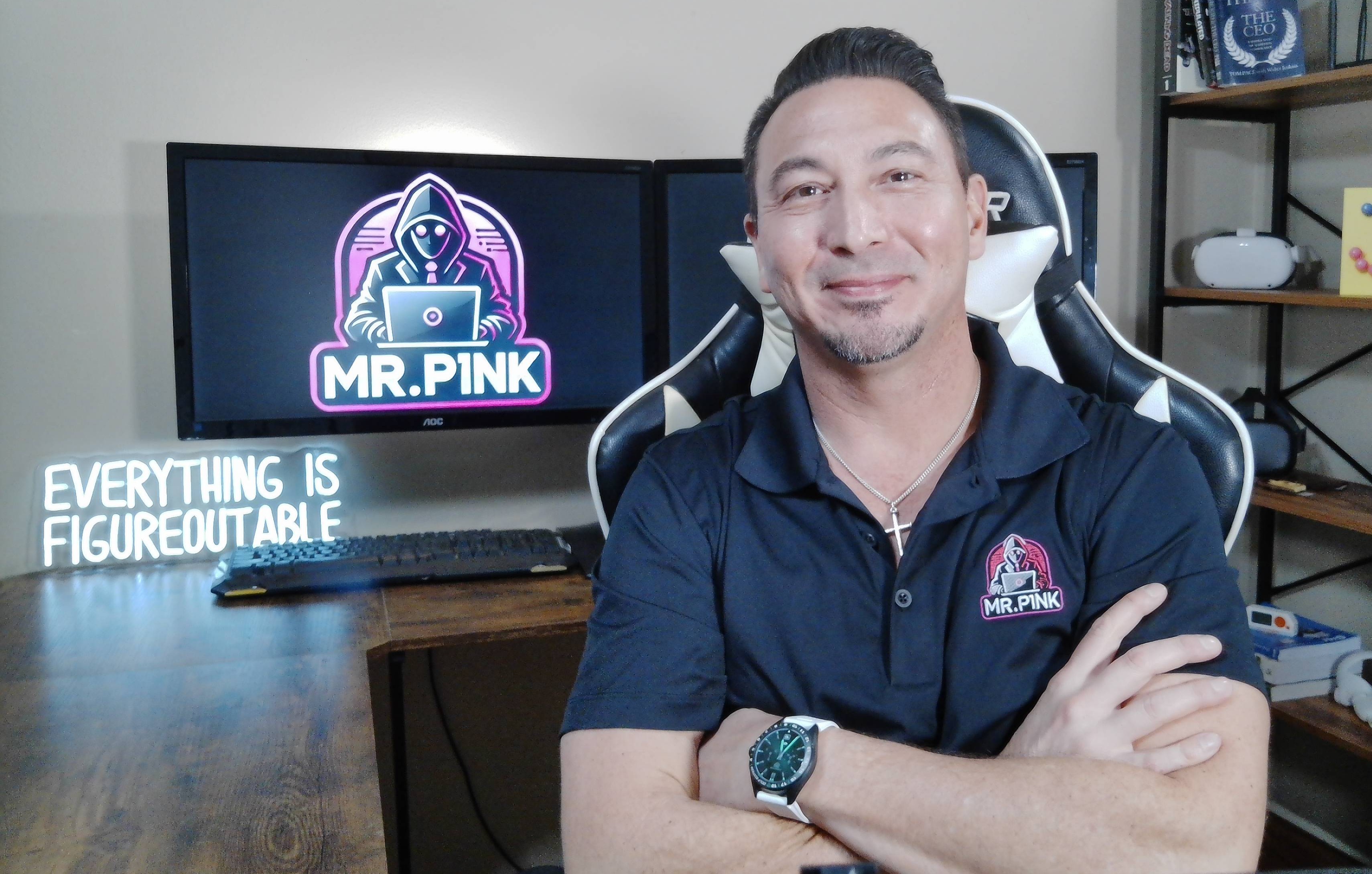
Hey, I'm Mr P1nk!
I’m a technology leader, educator, and parent who has spent decades helping organizations and families stay secure in an increasingly digital world.
Alongside my leadership work, I’ve also taught technology and networking at the college level. Teaching non-technical students how to understand complex systems without tech jargon or over complicated explanations has shaped the way Mr. P1nks Digital Protection Services is built.
The goal has always been the same: make security practical, understandable, and doable for EVERYONE.
No Technical Skill Required.
Professionally, I’ve led large-scale IT and network environments for many years—responsible for keeping systems, data, and people protected across complex, real-world technology setups.
I’ve seen firsthand how security failures happen in real life — missed settings, reused passwords, weak recovery options, and families overwhelmed by too many tools without a clear plan.
You just need a clear plan—and that is what this webinar is built for.
Register for the Digital Protection Webinar
$49.00 Per Household
Includes
Live Webinar Access
Digital Protection Starter Checklist
Practical account, password, MFA, breach, scam, and family safety guidance
$49 credit toward the Digital Security Snapshot if booked within 7 days
A Simple, Practical Webinar Built for Everyday People
This webinar is designed to be easy to understand and immediately useful. You do not need to be technical. You do not need to have everything figured out. You just need a clear starting point
Frequently Asked Questions (FAQ)
FAQ 1
Do I need to be technical to attend?
No. This webinar is designed for everyday people, parents, couples, families, and business owners who want simple, practical guidance.
FAQ 2
Can my spouse or family attend with me?
Yes. The webinar is priced per household, so your spouse, partner, or family may attend with you.
FAQ 3
Will this fix everything for me?
No. The webinar provides education, guidance, and a starter plan. If you want personalized help, the next step is the Digital Security Snapshot.
FAQ 4
Will there be a replay?
Yes. Replay access is available for 7 days after the webinar.
FAQ 5
Can I apply the webinar cost to another service?
Yes. Your $49 webinar payment can be credited toward a Digital Security Snapshot if booked within 7 days.
FAQ 6
Should I bring passwords or personal information?
No. Do not bring or submit passwords, Social Security numbers, account numbers, recovery codes, or sensitive information.
Start Protecting Your Digital Life Today
You do not need to wait for an account hack, scam, breach alert, or identity theft scare to take action.
Join the webinar and learn the first steps to better protect your accounts, identity, devices, and family.
Personalized Protection for Your Family. Stop Guessing. Protect your digital identity now.
Contact & Support

© 2026 Pinks Tech Services LLC. All rights reserved.
What This Service Is — and Is Not
Mr. P1nks Digital Protection Services provides setup guidance, education, account hardening support, password manager guidance, MFA/passkey setup guidance, breach exposure review, credit monitoring guidance, recovery planning, and family security education.
This service does not provide legal advice, financial advice, credit repair, guaranteed identity theft prevention, guaranteed account recovery, law enforcement reporting, forensic investigation, or 24/7 emergency support.
No service can guarantee that identity theft, fraud, account compromise, or data exposure will never occur.